matplotlib's defaults are fine for a lab notebook and wrong for publication: gray background, cramped fonts, a box around every plot. The good news is you can fix all of it once, in a reusable "house style," and every chart you make afterward looks intentional. This is how every chart on this site gets its look. The full script is reproduced below (it uses the shared helper named in the sources below).
One function, applied once
matplotlib reads global settings from rcParams. Set them once at the top of your script and every subsequent figure inherits the style:
import matplotlib.pyplot as plt
NAVY, GOLD, PAPER, RULE, MUTED = "#14213d", "#b0892f", "#fbf8f0", "#d8ceb6", "#4a567a"

def apply_house_style():
    plt.rcParams.update({
        "figure.facecolor": PAPER, "axes.facecolor": PAPER, "savefig.facecolor": PAPER,
        "font.family": "serif", "axes.titleweight": "bold", "axes.titlesize": 15,
        "text.color": NAVY, "axes.labelcolor": NAVY, "axes.titlecolor": NAVY,
        "axes.edgecolor": RULE, "axes.grid": True, "grid.color": RULE, "grid.alpha": 0.8,
        "xtick.color": MUTED, "ytick.color": MUTED,
        "axes.spines.top": False, "axes.spines.right": False, "figure.dpi": 150,
})The finishing touch: a source caption
Credibility comes from sourcing. Stamp every chart with where the data came from and your wordmark — two fig.text calls:
fig.text(0.01, 0.01, "Sample data for illustration.", fontsize=8.5, color=MUTED, style="italic")
fig.text(0.99, 0.01, "CollegeAthleteInsider.com", ha="right", fontsize=8.5, color=GOLD, weight="bold")
The result
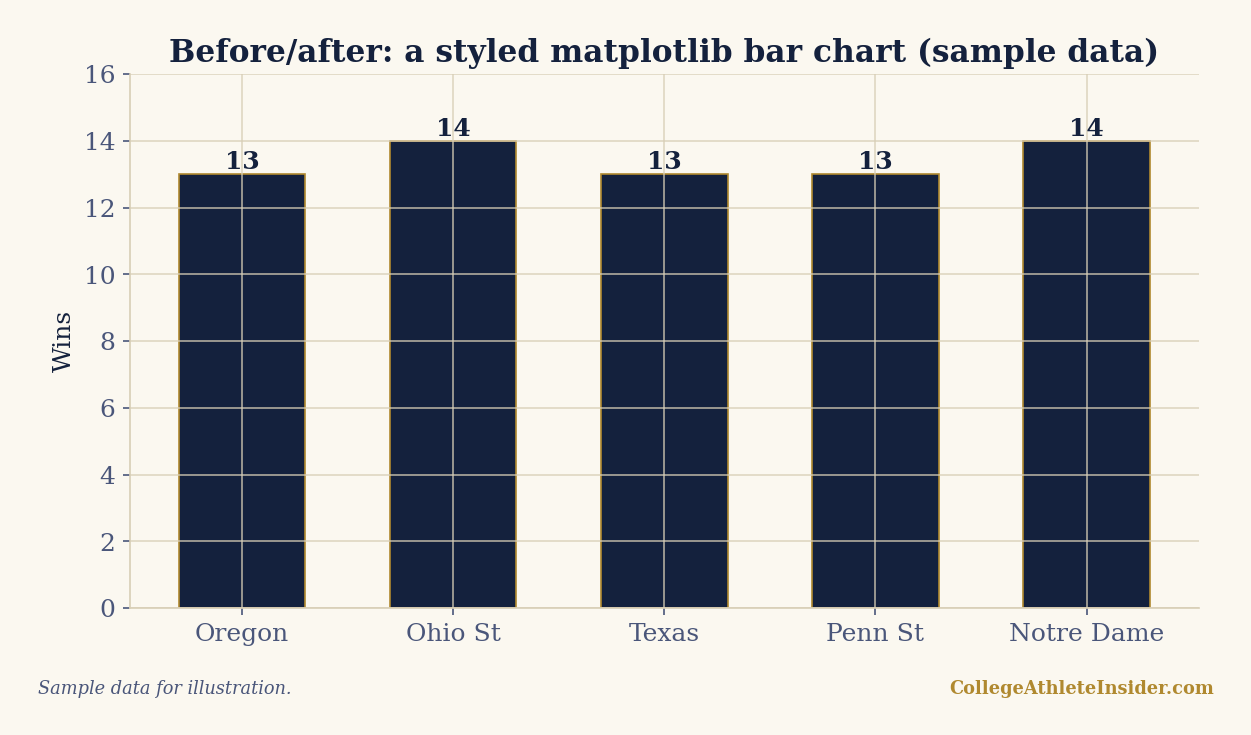
That's the entire difference between "a Python plot" and "a chart you'd publish." Nothing here is hard — it's a dictionary of settings and two text calls — but applied consistently across a whole site it reads as a deliberate, trustworthy visual identity. Every chart in my Elo, efficiency, and trend pieces uses exactly this approach via the shared _chartstyle.py helper.
Principles worth keeping
- Pick a small palette and reuse it. Two or three colors, used consistently, beats a rainbow.
- Remove chartjunk. Drop the top and right spines, lighten the grid, let the data breathe.
- Label directly where you can (numbers on bars) instead of making readers hunt the axis.
- Always cite. A chart without a source is an assertion; a chart with one is evidence.
- Centralize it. Put the style in one importable module so a tweak updates every chart at once.
Sources & further reading
- Related chapter: Chapter 3: Python for Sports Analytics, DataField.dev.
- matplotlib — matplotlib.org
- Companion script, kept in my build repository and not published:
scripts/house-style-matplotlib-python.pyandscripts/_chartstyle.py - Related: From CSV to chart · Win-probability charts